grack.com

Blog

Now that's a prediction

Amusing: IBM’s Jeopardy-winning knowledge bot was named Watson, after IBM’s first president, Dr. Thomas J. Watson.

In Robert Heinlein’s 1966 novel, The Moon is a Harsh Mistress, one of the main characters is named Mike, nicknamed so after Mycroft Holmes in a short story written by the same Dr. Watson, before founding IBM:

Mike was not official name; I had nicknamed him for Mycroft Holmes, in a story written by Dr. Watson before he founded IBM. This story character would just sit and think—and that’s what Mike did. Mike was a fair dinkum thinkum, sharpest computer you’ll ever meet.

Mike is a computer, of the HOLMES IV (High-Optional, Logical, Multi-Evaluating Supervisor, Mark IV, Mod. L.) variety. And it turns out that Mike is designed to answer messy natural-language-type questions:

Remember Mike was designed, even before augmented, to answer questions tentatively on insufficient data like you do; that’s “high optional” and “multi-evaluating” part of name. So Mike started with “free will” and acquired more as he was added to and as he learned—and don’t ask me to define “free will.” If comforts you to think of Mike as simply tossing random numbers in air and switching circuits to match, please do.

By then Mike had voder-vocoder circuits supplementing his read-outs, print-outs, and decision-action boxes, and could understand not only classic programming but also Loglan and English, and could accept other languages and was doing technical translating—and reading endlessly. But in giving him instructions was safer to use Loglan. If you spoke English, results might be whimsical; multi-valued nature of English gave option circuits too much leeway.

There’s one big difference between the two: in the story, Mike “wakes up”.

Inception (the ARM implementation)

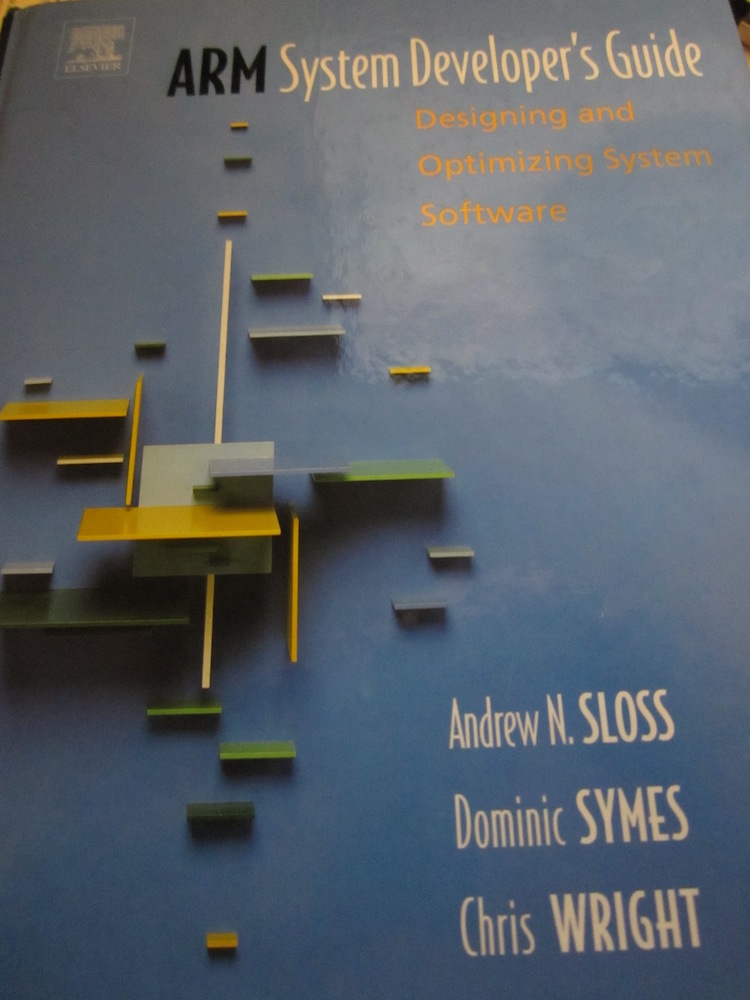
As a way of getting better acquainted with the ARM-based devices cluttering up my desk, I picked up this gem of a textbook at Amazon:

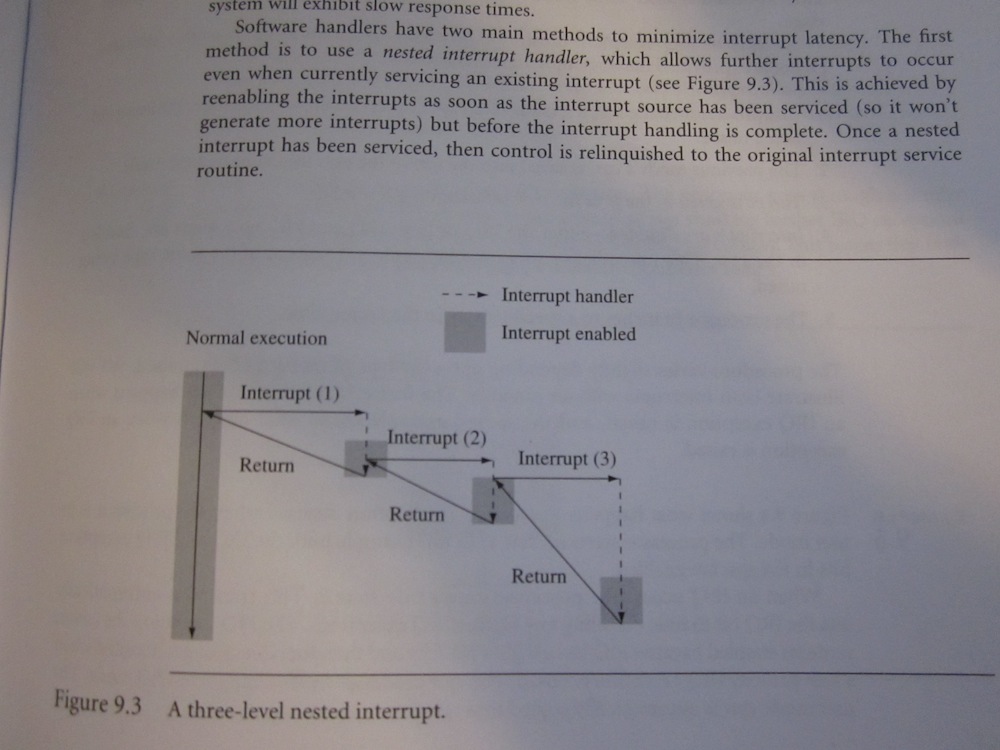
Reading through the interrupts section reveals an implementation of Inception on the ARM platform:

SSH escape sequences (or "don't kill -9 that process")

Back when I first started SSH (around the RedHat 4.x days), I’d occasionally be connected to another host via SSH when the host or the network connection would suddenly lock up. I’d end up trying to figure out which SSH process was the one that was frozen and kill -9ing it. That is, until someone showed me how to use SSH escape sequences. Occasionally I see people talking about killing frozen SSH sessions and it reminds me to pass on this tip.

If SSH is running on an interactive terminal, it listens for an escape character whenever it is listening for a the first character after a newline (or the first character in the stream). By default, this character is the tilde (~), but you can specify a different character using the -e argument.

You can get a list of escape sequences by typing “~?” after a newline:

Supported escape sequences:
  ~.  - terminate connection (and any multiplexed sessions)
  ~B  - send a BREAK to the remote system
  ~C  - open a command line
  ~R  - Request rekey (SSH protocol 2 only)
  ~^Z - suspend ssh
  ~#  - list forwarded connections
  ~&  - background ssh (when waiting for connections to terminate)
  ~?  - this message
  ~~  - send the escape character by typing it twice
(Note that escapes are only recognized immediately after newline.)

The one I use most frequently is ~.. This one kills the SSH terminal, along with any of the port forwardings you might have started as part of the command-line or in your .ssh/config file. ~& is also pretty useful when using port forwarding: it closes the SSH terminal, backgrounds SSH and leaves the port forwardings alive until the last one terminates.

These escape sequences will work, even if the underlying TCP/IP connection is toast and SSH seems completely unresponsive. If SSH isn’t picking up your escape sequences, make sure that you’re hitting the enter key first. It won’t pick up escape sequences in the middle of a line.

A week with a ChromeOS netbook

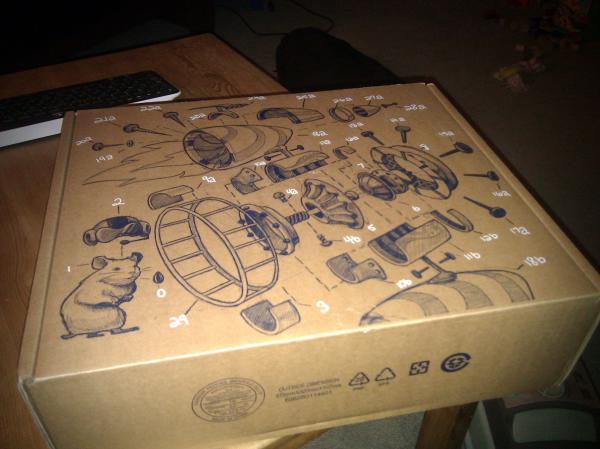
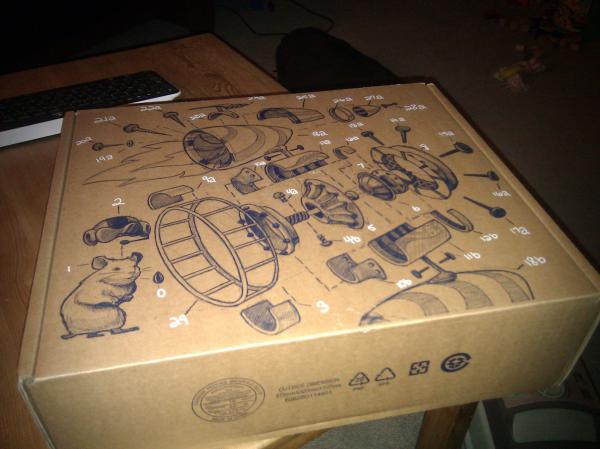
A box showed up earlier this week in the mail with an interesting set of markings. It wasn’t a big surprise - I’d been eagerly anticipating the arrival of a Cr-48 since it was shipped late last week.

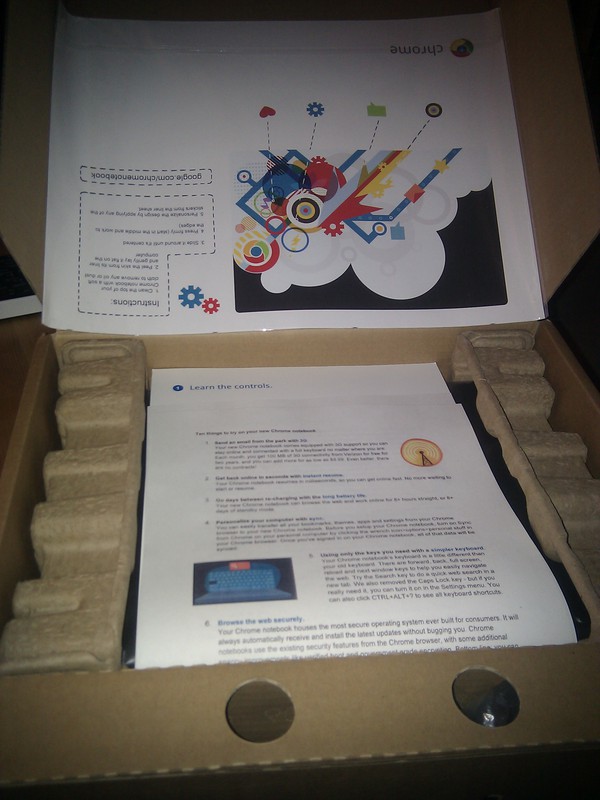
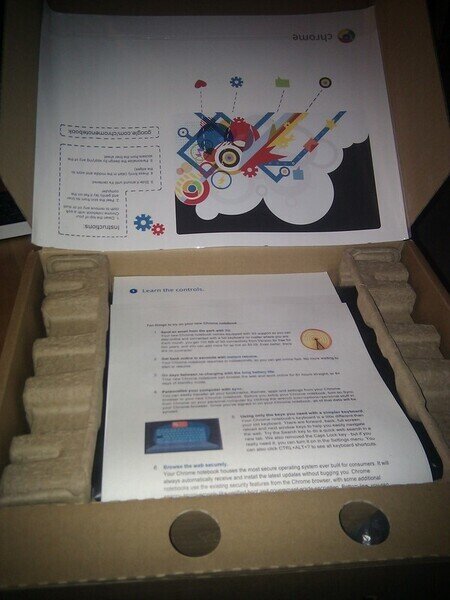
Inside the box was the netbook, a set of instructions and the new set of Cr-48 decals. The decals are pretty flashy and look good, but I figured I’d wait a bit before putting them on (hey, this thing looks pretty good as-is).
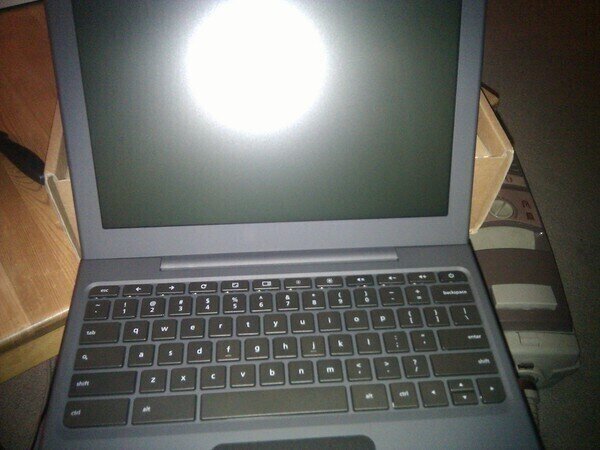
The first thing you notice when starting the netbook up is that it’s fast. Pushing the power button to the firstboot or login screen is a matter of seconds. It’s the same while signing out or powering down. Oh, and the power button functions as a signout key as well. Hold it for a few seconds and it signs you out. Keep it held down a few more seconds and it powers down.

There aren’t a lot of surprises on this box. It’s basically a giant battery strapped to the Chrome browser. The battery is pretty amazing. Popping the power cord out yielded a runtime of just under eight hours when I first got the machine. A few discharge/charge cycles later and it’s sitting at more than eight hours.

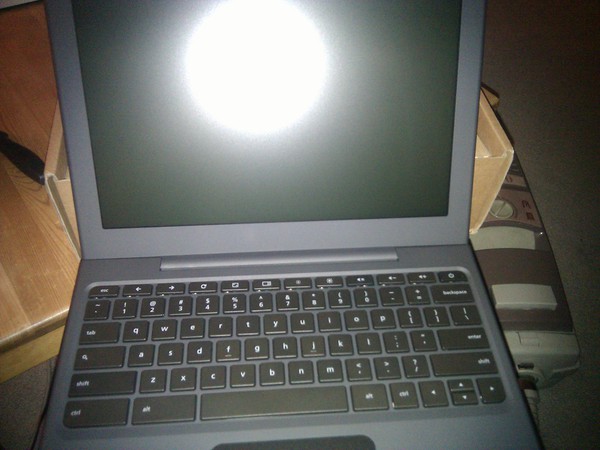
Overall, the hardware is pretty decent. It’s an Atom N445 processor with 2GB RAM. It has 16GB of onboard solid-state storage. For comparison, the Dell Inspiron Mini 10 I just bought had a similar processor, but half the memory and way more storage (albeit spinning bits instead). The screen is really great and the keyboard is very comfortable to use.

I’ve heard bad things about the trackpad on the Cr-48. It seemed to be working well after I first started up the machine, but over time it’s clearly shaping up to be the weakest part of the system. The trackpad is unreliable at times. It gets stuck in a clicked state at time, where it thinks that you’re holding a finger down and moving a finger around starts selecting things. Other times it fails to recognize the two-finger right-click, making for a frustrating experience trying to copy and paste from one place to another.

Aside: I swear that when I first got this machine, the trackpad didn’t support the ability to click and drag by pushing down on the whole trackpad with one finger and dragging the other. This is working now and I can’t explain it. *shrug*

The Chrome browser runs fairly well on this hardware given the size of its CPU, but it’s definitely not as slick as Chrome on my Macbook. It can start to feel a bit sluggish when you end up with a number of tabs open. Sites that use position:fixed or background-attachment:fixed are terribly slow to scroll as well. I imagine that future versions of the OS will bring hardware-accelerated compositing to scrolling.

The netbook supports multiple users, but it can’t support more than one user logged in at a time. That’s likely to avoid having more than one user hogging the limited resources of the box. I’d really love to see something along the lines of tab hibernation used, instead of forcing one user to log out to let another log in. Once a user signs out, the state of their session should be persisted to disk locally and restored after they log in again.

I’ve been trying to get used to a world without any apps beyond the browser. It’s tough. I set up Guacamole to get access to a Linux desktop where I could run a bunch of applications that I need access to. As a developer, I can’t really live without a few desktop apps. If there were a way for me to get access to the applications on my desktop remotely, I’d be bringing this netbook everywhere instead of lugging around the much heavier Macbook Pro.

Overall, I’m really impressed with the ChromeOS netbook. It feels designed, not just made. I’m confident that a lot of the issues I’ve seen can be fixed in software updates. There are probably a lot of people that could make a switch full-time to this netbook. I’m not one of those right now, but I’d love to use something small like this for more of my computing needs.

This blog post was composed entirely on the Cr-48, including the awkward dance to download my previous Cr-48 pics from Twitpic and upload them into Wordpress.

Follow me on Twitter: @mmastrac.

The heartbreak of the pivot

(This was originally a response to a question asked of me on Quora, but I’ve copied it here to my blog so I can expand on it)

“Pivot” is a big catchphrase in the startup world these days. It has a glamorous feel to it: you picture the Twitter team dropping Odeo on the ground and moving on to the brand new idea without a moment’s thought. There’s more to it than that.

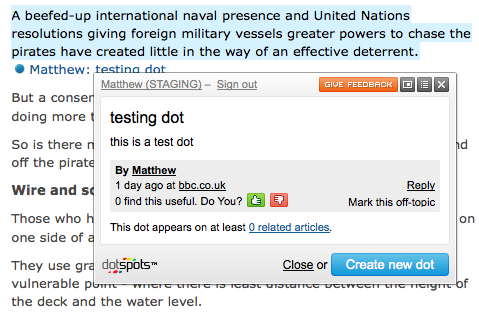
In May of 2010 we stopped spending all of our resources on DotSpots and started working on our new idea, Gri.pe. By our September launch at TechCrunch Disrupt, we were focusing all of our efforts on it and decided that we’d start the process of shutting down DotSpots.

Moving on from DotSpots was bittersweet. We spent a few years pouring our heart into the product, which we all honestly believed would revolutionize how people consumed news. Unfortunately we underestimated how difficult it would be to get publishers to sign on and missed the window overall for success.

Another thing that’s hard for me is having the great GWT-based infrastructure we built to pop up UI overtop of any webpage basically sitting idle. I’d love to open-source that one day, but it’s not pressing right now. Perhaps if the right project comes along, we might be able to hand off some of it to them.

We did manage to use some of the DotSpots technology to bootstrap our efforts at Gri.pe. The core web infrastructure for serving Gri.pe pages is basically what we were going to use for serving dotspots.com. I’ll be opening that up at some point in the future at http://stencilproject.net.

The great part about moving on is that you have a chance to let go of all the future plans that were weighing on your mind. After a few years at a startup, you’ve got stuff that you’ve always wanted to do but never had time for. Pivoting to a new idea lets you finally let go of those in your mind.

You also have a chance to make your core technology choices again. At DotSpots, we built everything in Java running Jetty on EC2. At Gri.pe, we’ve chosen to work on AppEngine, which opens up so many exciting possibilities with all of the technology Google is hooking up to it.

It’s also a great feeling to be working on an application that’s seeing significant traction in the market. We blew by the total lifetime number of users of DotSpots within a few months and continue to great press and a continuous stream of signups. It makes you feel good seeing numbers that show people are using the application and it’s making a positive impact on their lives. I would have loved for DotSpots to have a positive impact too, but it just never caught on.

In the end, it’s an awesome move for us. On the other hand it’s a bit sad - like moving from a house you’ve lived in for years and have built memories in.

Follow me on Twitter: @mmastrac.